Media Poster Wall: A Flutter Team Project
What I did
I collaborated on a Flutter course app that brings movies, television, documentaries, and music albums into one browsing interface.
CS233 Mobile Programming · October–December 2025
My contribution
Two-person project with Xingjian (Peter) Zhang
- Participated as a co-developer in the CS233 final project and its delivery.
- Shared responsibility for the team application and project presentation.
Outcome
Delivered media browsing, paginated results, detail views, and persistent local favorites using Flutter and REST APIs.
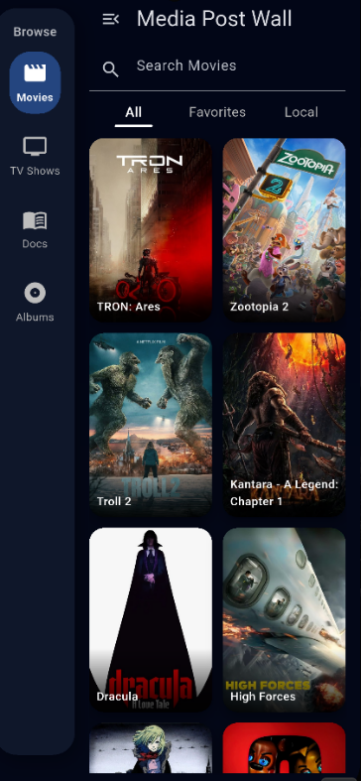
A shared interest turned into an app
My teammate Xingjian (Peter) Zhang and I developed Media Poster Wall for CS233 Mobile Programming. Our shared interest in movies and music motivated an interface where users could browse several media categories without switching applications. The delivered project combines Flutter and Dart with TMDB and Deezer data.
This is a two-person team achievement. I contributed as a co-developer and shared responsibility for delivering and presenting the course project. The functionality described here belongs to the application we built together.
What the team delivered
The app separates movies, television, documentaries, albums, favorites, and locally selected images. Users can browse poster grids, load additional results by scrolling, search loaded items, and open details. Depending on the source API, a detail page can include descriptions, release information, cast, artists, or album tracks.
Favorites use local device storage, so saved item IDs remain available after the application closes. They are not synchronized between devices. The project has no account system or remote user database. These boundaries matter when describing the app’s functionality to someone who has not seen the course demonstration.
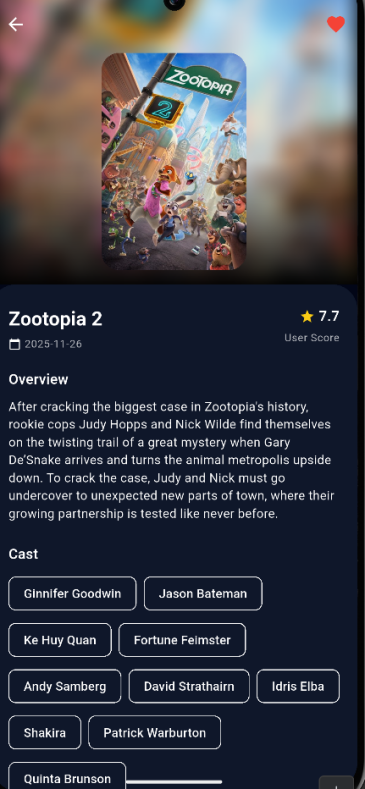
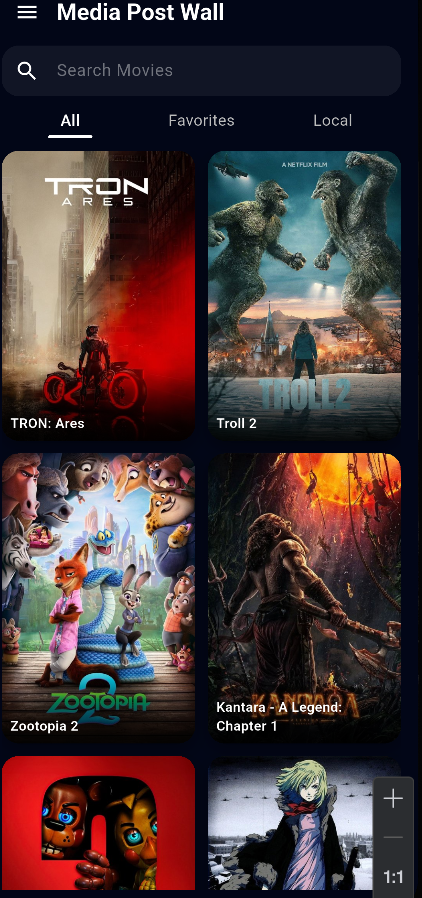
Architecture and integration challenges
The portfolio version separates data access into services and uses a common media model with reusable poster cards and grids. Film and album APIs return different shapes, so albums have their own detail handling. Favorites use distinct local keys for media categories to avoid confusing IDs from different providers.
The course materials describe coordination of pagination, loading state, search, and favorites as important challenges. Presenting this work helps me discuss how an application moves beyond isolated screens: state must remain consistent as users scroll, change categories, open details, and restart the app. The original report also disclosed language-model assistance during API integration, home-screen work, and visual-theme refinement.
Learning and next steps
This project provided experience with collaborative mobile development, external APIs, reusable interfaces, and persistent state. Useful next steps include service tests with mock HTTP clients, clearer user-facing error states, accessibility checks, and a backend proxy for provider credentials. They are improvements to investigate, not features already delivered.
Portfolio version and security limits
The cleaned repository removes the original hard-coded TMDB credential and reads configuration from a local, Git-ignored file. A compile-time token can still be recovered from a distributed mobile binary, so that change alone does not make it a production secret. This website uses screenshots from the cleaned portfolio copy and does not publish the original credential-bearing presentation.
The repository remains private. The project documentation credits both team members.
Code available on request: contact me.